Netdata Concise Manual — To Be Continued
Netdata Overview 1.1 What is Netdata Netdata is a system performance metrics and fault visualization monitoring tool built for system administrators, DevOps eng
1. Netdata Overview
1.1 What is Netdata
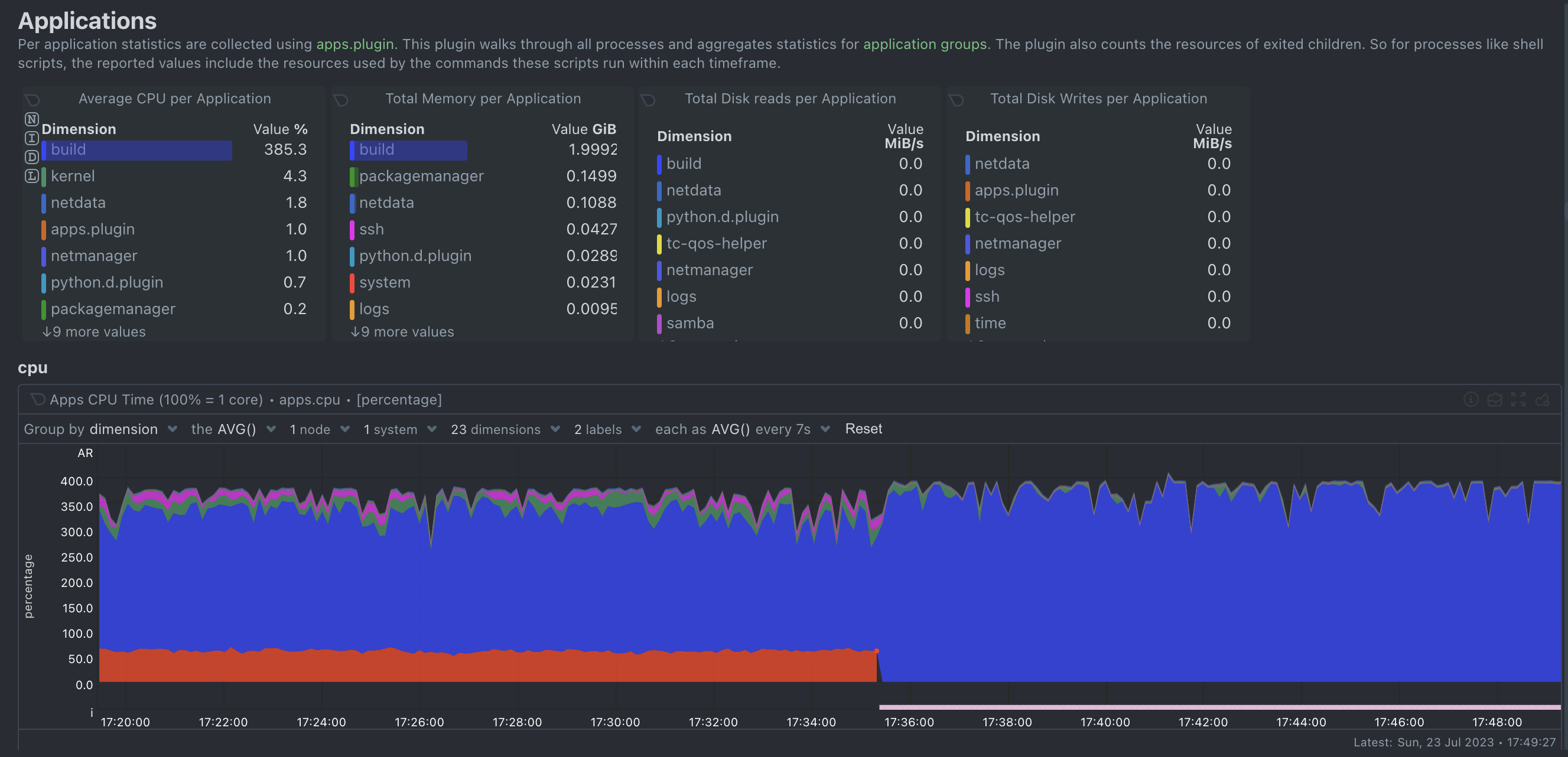
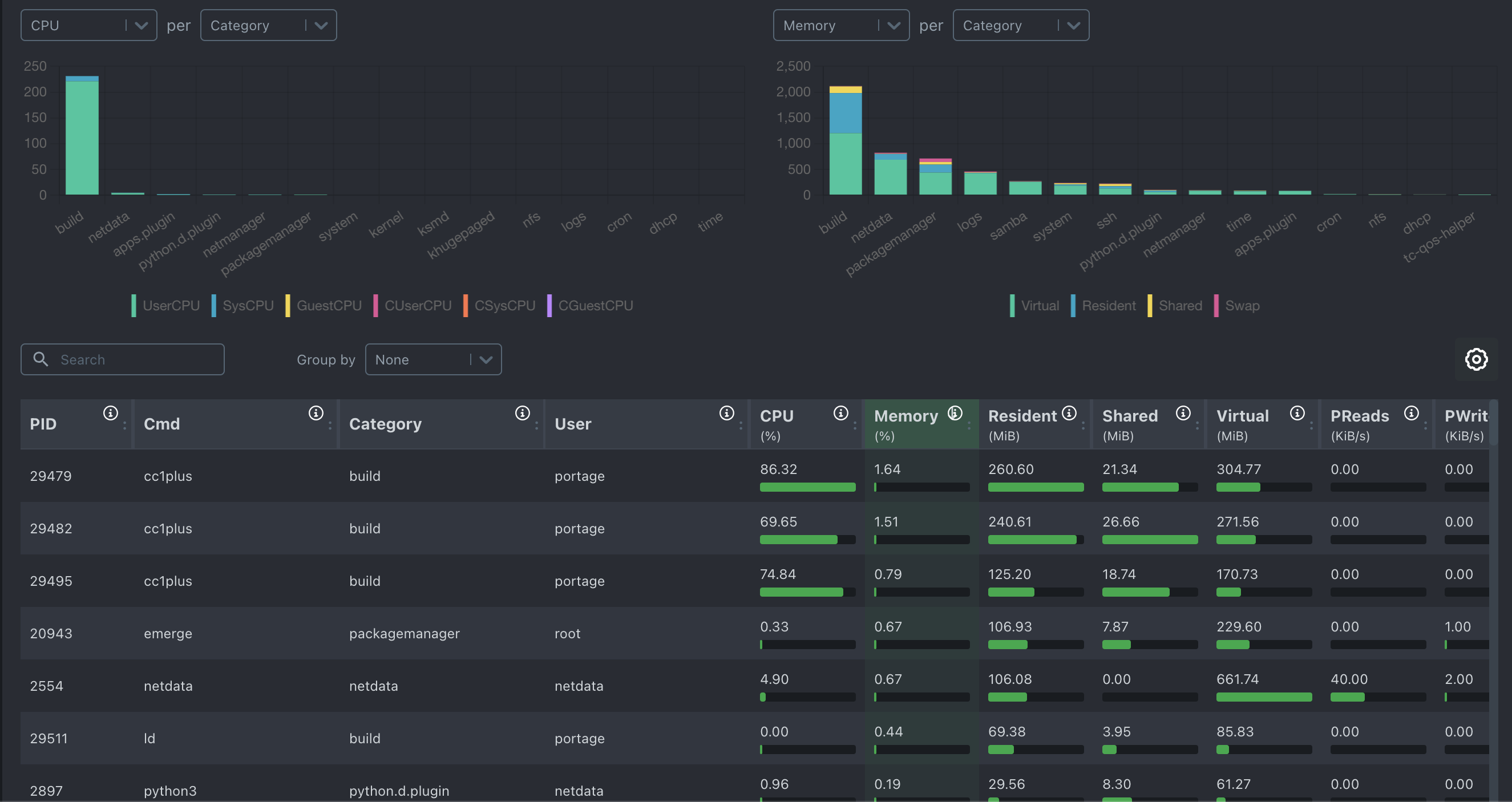
Netdata is a system performance metrics and fault visualization monitoring tool built for system administrators, DevOps engineers, and developers. It supports most Linux distributions, including the Debian and Red Hat families, as well as container platforms (K8s, Docker) and FreeBSD.
1.2 Officially Touted Advantages
- Powerful and extensible
- Steady 1% CPU usage, megabytes of memory, and minimal disk I/O, even able to run on IoT[^1].
- Second-level sampling
- Easy integration with existing monitoring stacks and other time-series databases
- Better troubleshooting
- Visualized anomaly detection
- Customizable content display panels
- Centralized multi-node data sampling, making it easy for users to troubleshoot cluster and distributed node issues
- Secure by design
Excellent data distribution architecture
Edge-based data storage
2.3 Comparison with other monitoring solutions
[^1]: IoT: The Internet of Things.
2. NetData Agent Installation
Online install
curl https://my-netdata.io/kickstart.sh > /tmp/netdata-kickstart.sh && sh /tmp/netdata-kickstart.shOffline install
(Reserved for future additions.)
3. NetData Storage Configuration
3.1 The Necessity of Data Storage
Anyway, it's just really important.
3.2 mongoDB Installation and Configuration
3.2.1 Installing MongoDB and C Drive
rpm -ivh mongodb-*.rpm
4. NetData Data Flow
4.1 NetData Data Flow Overview
Every host with a NetData Agent installed can stream the metrics it collects in real time to another node. NetData Streaming enables centralized management of performance metrics across hosts into the same time-series database (TSDB), and can also synchronize metric replicas between NetData nodes to meet high-availability requirements.
A node that receives the data stream can perform data visualization, health checks, event alerts, and dump events to a time-series database (TSDB). This node can perform all the functions of the Netdata Agent on the node that sends the data stream.
4.2 NetData Streaming Role Introduction
- Parent node — a node that runs the NetData Agent and receives data streams
- Child node — a node that runs the NetData Agent and sends data streams
- Proxy node — a node that runs the NetData Agent and forwards child-node data to a separate parent node
4.3 NetData Streaming Authentication
NetData uses API keys for mutual authentication between nodes. Officially, the uuidgen command is recommended to generate a random API key, but you can also use a custom string. Once the parent node authenticates with the child node, the data stream can begin to flow.
The data flow supports TCP, UDP, and Unix Socket protocols; HTTP is not supported.
To proxy streaming metrics, you need to use a proxy that tunnels OSI layer 4-7 traffic without interfering with it, such as SOCKS or Nginx's TCP/UDP load balancing.
4.1 NetData Data Flow Architecture
Headless collector
- Child node A, with no time-series database installed locally, no web dashboard; data is sent to parent node B
- Node A's performance data can only be observed on node B's web dashboard
- Events generated on node A are produced and sent by node B
Replication
- Child node A, has the time-series database installed, has a web dashboard; data is sent to parent node B
- Node A's performance data can be observed on the web dashboards of both nodes simultaneously
- Node A's performance data can be stored on both nodes according to different policies
- Both nodes can generate and send alerts
Proxy
- Child node A, with or without the time-series database installed, forwards data to parent node B via node C
- Any node with the time-series database installed can generate and send alerts
4.2 NetData Data Stream Configuration
Manager Netdata Service
https://learn.netdata.cloud/docs/maintenance-operations-on-netdata-agents/starting-and-stopping-netdata-agents

Export metrics to MongoDB
https://learn.netdata.cloud/docs/exporting-data/mongodb

How metrics streaming works
https://learn.netdata.cloud/docs/deployment-in-production/streaming-and-replication/

Database engine
https://learn.netdata.cloud/docs/improving-netdata---developers/database-engine#data-points

Install Netdata with kickstart.sh
https://learn.netdata.cloud/docs/install-the-netdata-agent/one-line-installer-for-all-linux-systems

Database engine
https://learn.netdata.cloud/docs/contributing-to-netdata/database-engine

Change how long Netdata stores metrics
https://learn.netdata.cloud/docs/typical-netdata-agent-configurations/optimizing-metrics-database/change-how-long-netdata-stores-metrics
评论Comments
加载中…Loading…
留下评论Leave a comment